
Which Portal Holds the Erie County Court Record
The right portal depends on the record type. Erie County Clerk BrowserView holds Clerk-filed legal records, judgments, liens, recorded land documents, and metadata. WebCivil Supreme covers statewide Civil Supreme Court status and calendars. NYSCEF holds e-filed Supreme, County, Surrogate's, and Court of Claims documents. WebCrims handles eligible public criminal calendars and case status. WebSurrogate covers Surrogate's Court probate files.
Buffalo City Court and the town and village justice courts often need direct contact when the state portal does not list the case. The Eighth Judicial District court structure page sits at publicredesign2025.nycourts.gov and shows how Erie County's Supreme, County, Family, commercial, and IDV parts fit together.
WebCivil and WebCrims cover statewide case data but each has limits. A WebCivil result is best for index numbers, parties, appearances, and status sorting. A WebCrims result is best for upcoming criminal calendar dates. Neither replaces NYSCEF for e-filed PDFs or the Erie County Clerk for certified copies.
The image below shows the WebCivil Supreme FAQ that explains coverage, updates, search, and sort behavior. See it at the WebCivil FAQ page.
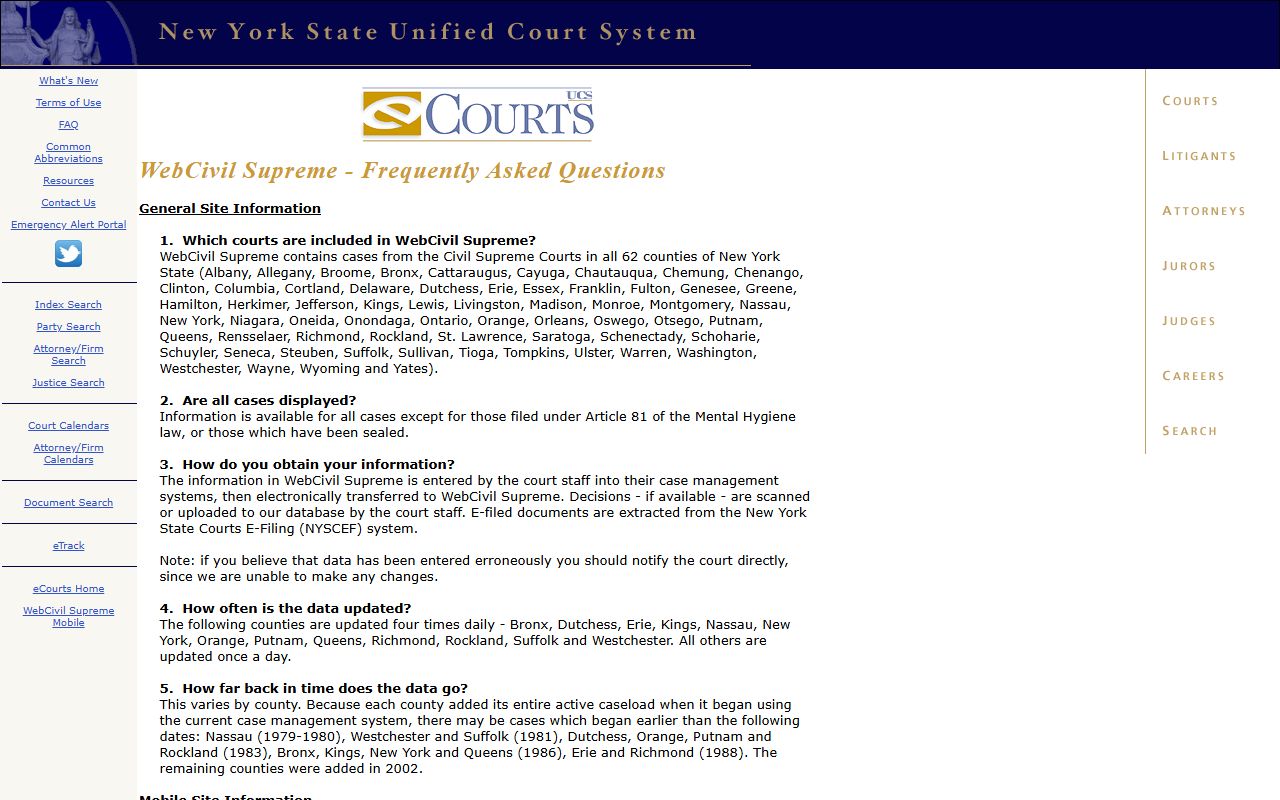
The FAQ also confirms that all 62 New York counties are searchable, so Erie County cases appear when the county filter is selected.
How to Search Erie County Court Records
The same general process works for nearly every portal. Pick the right portal, pick the right search method, type identifiers carefully, and review results before pulling certified copies. The Erie County Clerk site warns users to search alternate spellings of party names because older indexes cover hyphenated names, business abbreviations, and handwritten records.
- Identify the case type and pick the matching portal from the list above.
- Open the portal landing page and read the public notice. Each portal has different coverage and date limits.
- Choose the search method: index or docket number, party name, attorney, instrument number, or book and page.
- Add filters such as date range, court level, county, or document type when known.
- Review the result list. Confirm identifiers, party spelling, dates, and disposition before clicking deeper.
- For a certified copy or an image, order through the Clerk's record search and copy request process or visit the Public Access Room.
Erie County Court Records Search Fields
The Erie County Clerk BrowserView interface is the cross-browser path for Clerk-held court records. Its field set differs from WebCivil. The BrowserView search-field table is below.
| Field Label | Type | Required | Notes / Format |
|---|---|---|---|
| Party Name | Text | Yes for Party search | Last name first, no comma; business names allowed; no comma between first and last names. |
| Document Type | Text and checkbox tree | No | Comma-separated codes such as MTG; expandable document-type groups. |
| From Date | Date | No | MM/DD/YYYY; validation message reads "Not a valid date format." |
| To Date | Date | No | MM/DD/YYYY; shortcut buttons for 7, 30, and 90 days. |
| Consideration Amount | Text | No | Results equal to or greater than the amount entered; format 1000.01. |
| Instrument Number | Text | Yes for instrument search | Numeric or alphanumeric; example 1999002121. |
| Book and Page | Text | Yes for book/page search | Book type picked from drop-down; numeric page reference required when prompted. |
| Parcel ID | Text | Yes for Parcel ID search | Required for property-based searches. |
| Legal Description Line 1 | Text | No | Searches legal description text. |
WebCivil Supreme uses a different field set centered on index number, party, attorney or firm, and county. WebCrims focuses on defendant name, docket number, and court calendar date. NYSCEF lets a guest search by court, county, index or case number, party, or attorney. WebSurrogate uses county selection plus file number or decedent name.
Types of Erie County Court Records
The Clerk and the courts produce different record sets. Knowing the breakdown helps users pick a starting point and avoids mismatched searches.
- Civil Supreme Court records: summons, complaint, answers, motions, orders, judgments, foreclosure papers, and commercial filings.
- County Court records: felony indictments, superior-court information, and certain civil and appeal functions.
- Family Court records: custody, support, paternity, neglect, family offense, and juvenile matters, restricted under Family Court Act § 166.
- Surrogate's Court records: probate, administration, accounting, estate guardianship, and adoption.
- Buffalo City Court records: misdemeanors, violations, traffic, small claims to $5,000, civil to $15,000, and housing court.
- Justice court records: town and village court traffic, code, and civil matters to $3,000.
- Clerk-held records: deeds, mortgages, judgments, liens, business filings, military discharges, and historical marriage and naturalization files.
What Erie County Court Records Show
Field labels vary by source. A WebCivil result emphasizes status and appearances. A Clerk BrowserView document detail emphasizes recording metadata. A WebCrims result emphasizes calendar entries.
| Field | What It Shows |
|---|---|
| Case Number / Index / Docket | Court identifier; Supreme Court uses index, criminal uses docket, Clerk uses instrument number. |
| Filing Date | Date the case began or the document was recorded; BrowserView also exposes the recording time. |
| Parties | Plaintiff, defendant, petitioner, respondent, decedent, fiduciary, or direct and reverse parties on recorded instruments. |
| Court and Judge | Court level, part, and assigned judge or Surrogate. |
| Disposition | Pending, disposed, sealed, dismissed, judgment entered, transferred, or warrant active. |
| Docket Entries | Summons filed, motion, order, judgment, plea, sentence, appeal notice. |
| Financials | Filing fees, judgments, fines, surcharges, restitution, bond, copy fees, search fees. |
| Attachments | NYSCEF PDFs for e-filed public documents; Clerk images restricted to registered users. |
BrowserView attaches result notes too. An asterisk marks the From Party. A status other than V or B reads as "Not Verified Record." R flags a Replaced Record. C flags a Correction Record. Treat any flagged record as a prompt to inspect the document detail before relying on it.
Public Access Framework for Erie County Court Records
New York public-records access blends several statutes. Agency records fall under the Freedom of Information Law (POL § 87). Court records fall under Judiciary Law and court rules. Clerk filings have their own fee statute at CPLR § 8019. The Erie County Clerk says most Clerk records are already public through the search site or in-office terminals, so FOIL is often unnecessary for a specific filed document.
A FOIL denial can be appealed within the agency. The agency's appeal determination can be challenged through an Article 78 proceeding in New York Supreme Court. The Committee on Open Government issues advisory opinions but cannot order Erie County to release a record.
Note: A "no record found" reply is not proof a case does not exist; it may mean wrong office, wrong court, sealed record, or a non-indexed field such as address.
Records That Are Sealed or Confidential
Several record types are not open in the way ordinary civil filings are. Matrimonial records are sealed for 100 years under DRL § 235. Family Court files are restricted under Family Court Act § 166. Adoption records are sealed under DRL § 114. Youthful offender records are confidential under CPL § 720.35.
Criminal cases that end in favor of the accused are sealed under CPL § 160.50. Eligible old convictions may be sealed under CPL § 160.59 after the statutory waiting period. A nonparty who wants a sealed file must petition the sentencing court or hold a statutory exception such as law enforcement, licensing, or court order.
Erie County Court Records Portal Map
Each state portal solves a different problem. WebCivil shows statewide Supreme Court civil status and calendars and is best for confirming an active or disposed case. WebCrims shows public criminal calendar data and is best before a court date. NYSCEF stores e-filed documents and is best for downloading the actual filings. WebSurrogate covers probate.
The captured WebCivil search page is below. See it at iapps.courts.state.ny.us/webcivil.
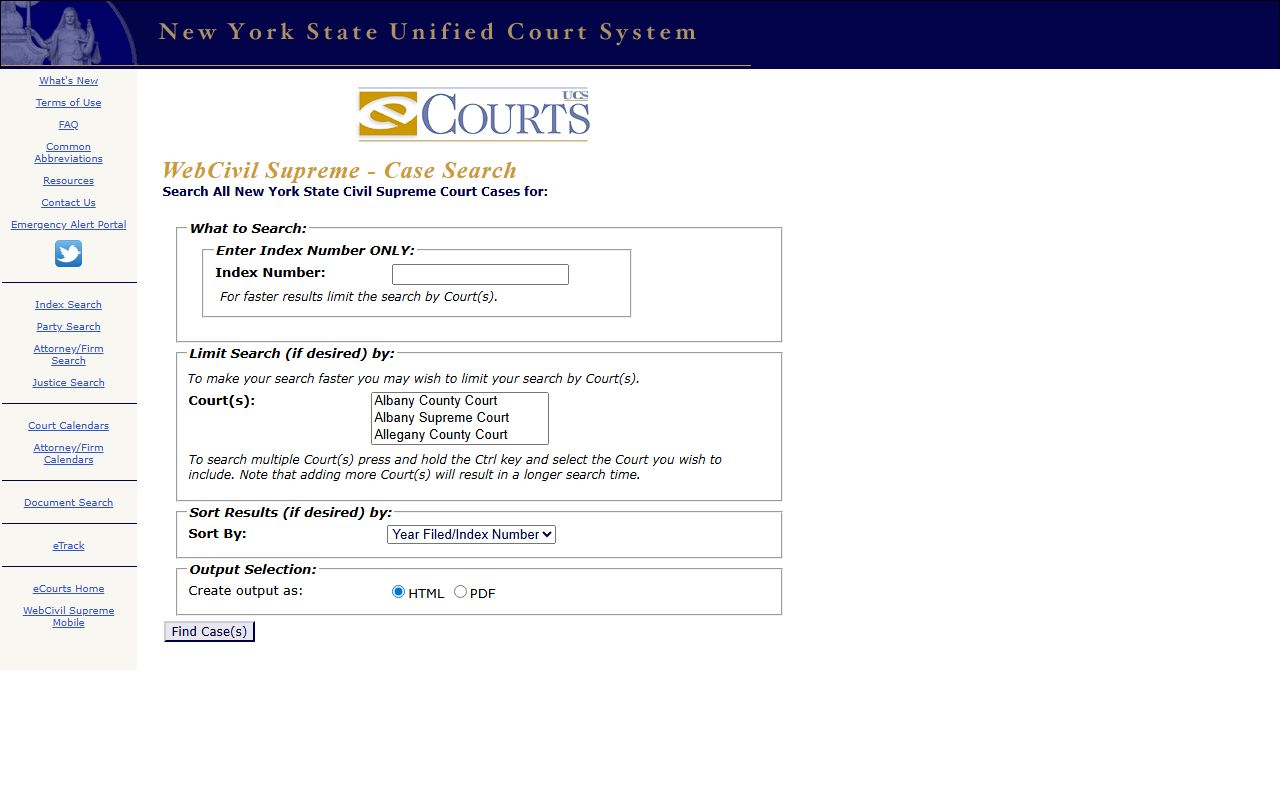
The same screen exposes the county drop-down where Erie County is selected, along with Index Number, Party Name, Attorney/Firm, and Justice search options.
The Eighth Judicial District court structure also affects which portal applies. The captured structure page below names Erie County's Supreme, County, Family, commercial, and IDV parts. See it at the court structure page.
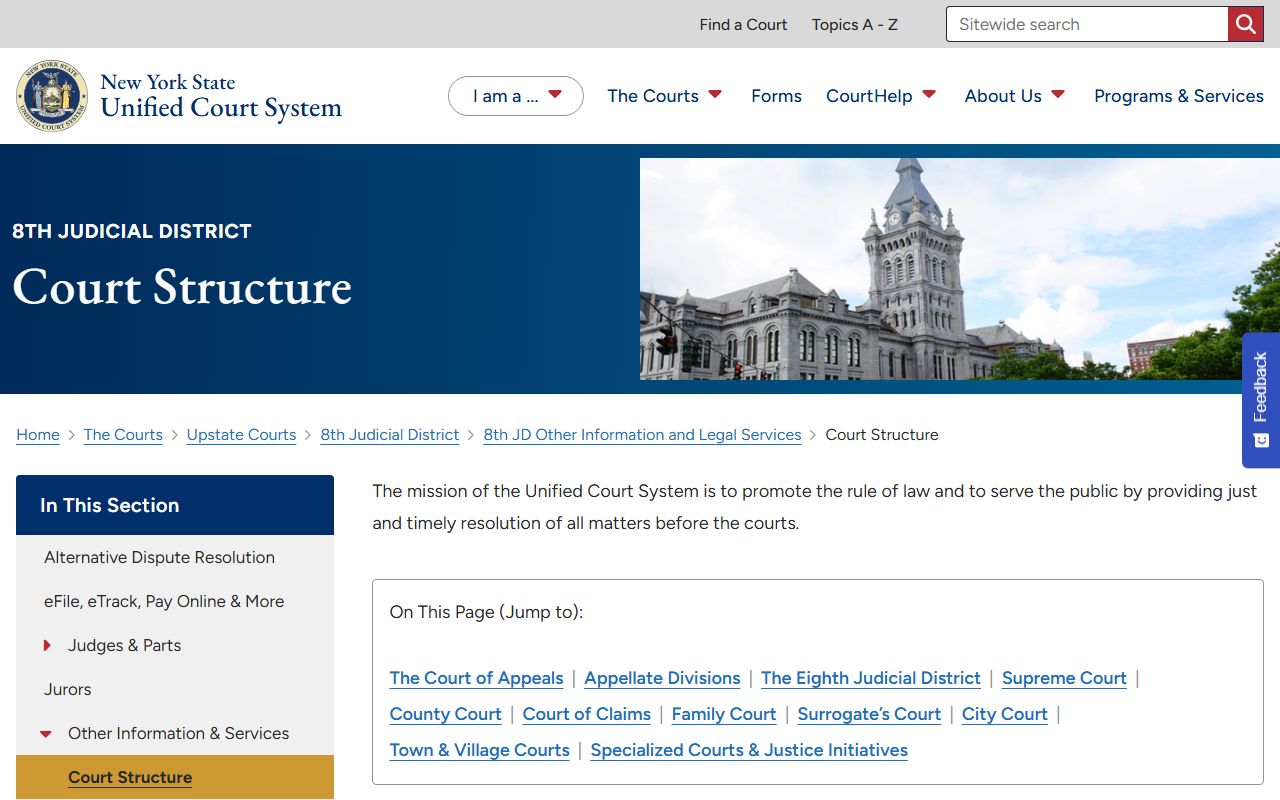
Buffalo City Court has its own page with criminal, civil judgment, small claims, and housing departments. The captured Buffalo City Court page sits at publicredesign2025.nycourts.gov/courts/buffalo-city-court.
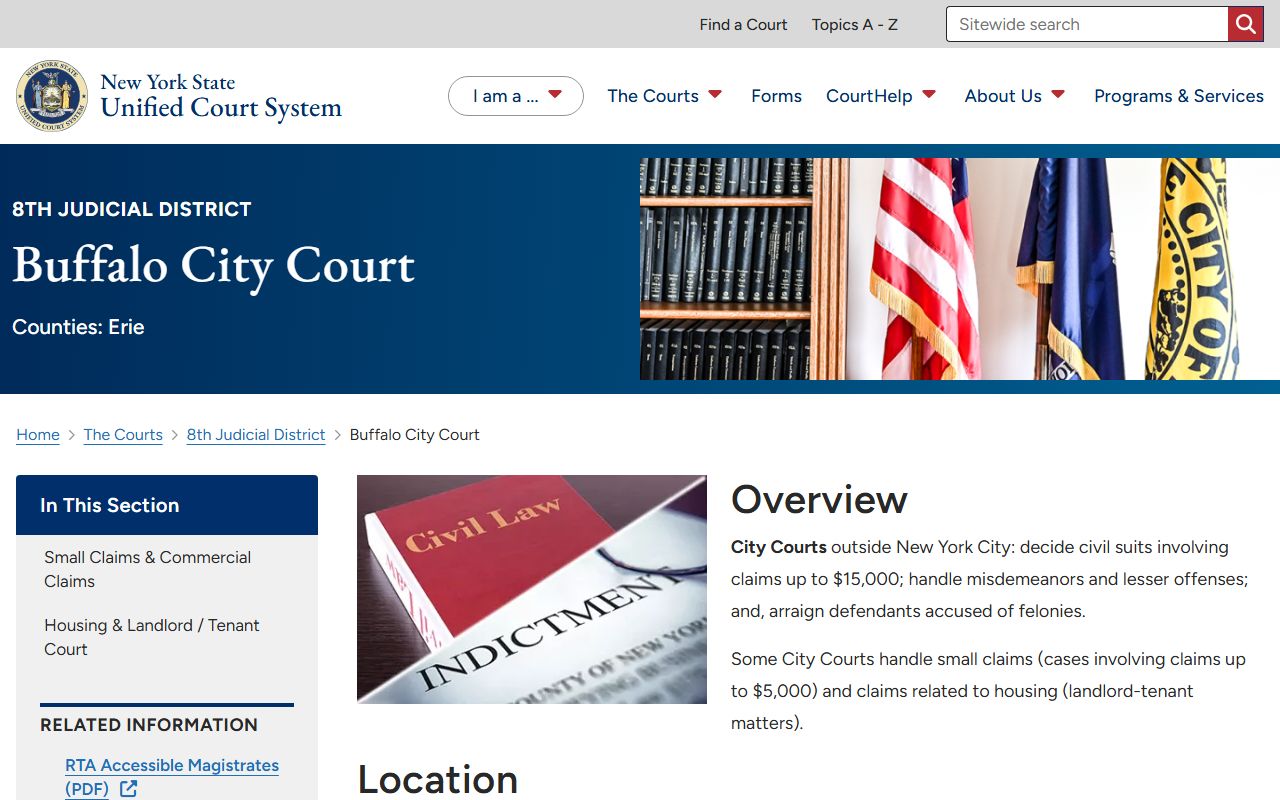
City Court matters that are not in the state portals usually require contact with the Chief Clerk's Office at 716-845-2689 or the criminal records desk at 716-845-2661.
In-Person Erie County Court Records Requests
Public computers sit in the Basement Records department and on the first floor of Old County Hall. Actual document images are viewable on public terminals in the Clerk's Office. Hours are Monday through Friday, 9:00 a.m. to 5:00 p.m. Closed criminal records are requested through Actions and Proceedings at 92 Franklin Street between 9:00 a.m. and 4:30 p.m.
Erie County Clerk
Old County Hall
92 Franklin Street, 1st Floor
Buffalo, NY 14202
716-858-8785
Mon-Fri 9:00 a.m.-5:00 p.m.
Erie County Court Building
Supreme and County Court
25 Delaware Avenue
Buffalo, NY 14202
716-845-9301 Chief Clerk
Generally 8:30 a.m.-5:00 p.m.